Accepting payments in crypto with Keterion
1. Create a store
— Sign in to Keterion and navigate to Settings -> Merchants.
— Click the "Create new store" button.
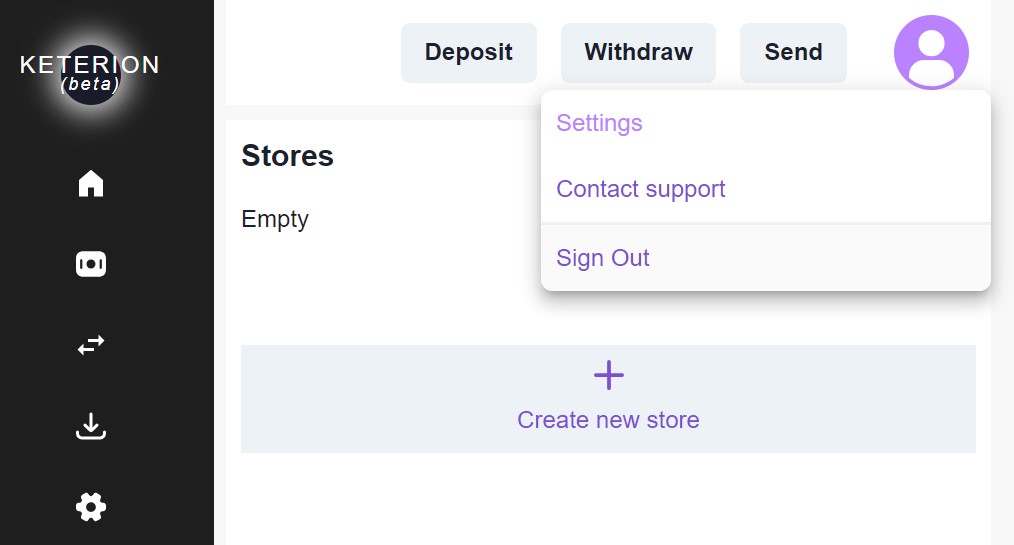
You will be required to fill out certain fields when creating a store:
- Store name
- Accepting currencies: select from the currencies supported by Keterion.
- Store URL
Description, Back URL and Success URL are optional but we recommend filling it out for better usability.
Back URL and Success URL have a parameter {orderId} which will be replaced by the order id from your system.
E.g., if users are paying for your order with id 9900-3388, and you set Success URL as:https://my-store.io/checkout/order/{orderId}/success/
then after successful payment users will be redirected to:https://my-store.io/checkout/order/9900-3388/success/
2. Activate store
Your store becomes automatically active after you check the "Store is active" checkbox.
3. Accept payments
Integrate with our API to create invoices and accept payments.
4. Withdraw funds
All collected payments get settled to your account's Keterion Wallet. You may request to withdraw your Keterion balance at any time (withdrawals are subject to Keterion fees).